



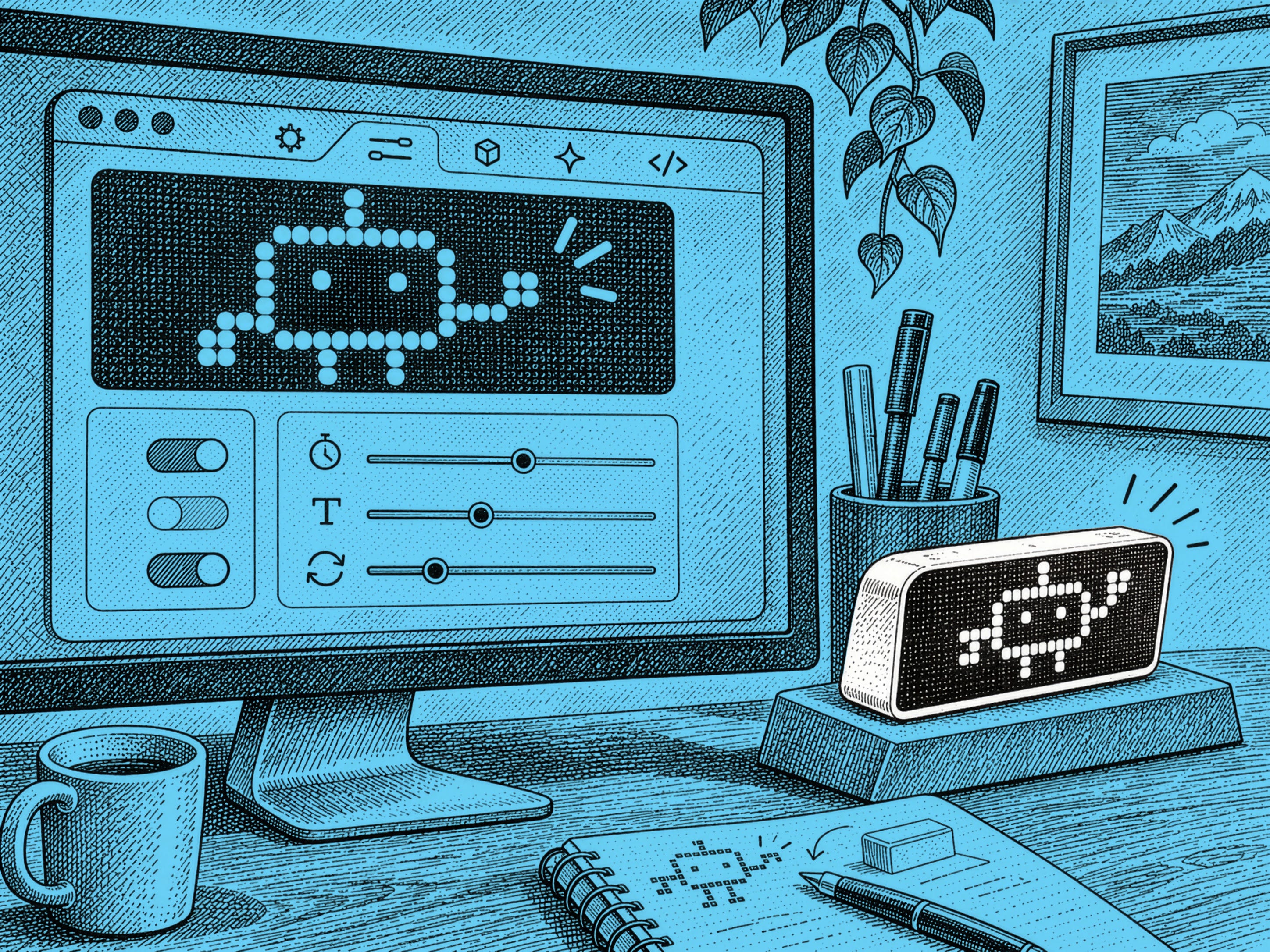
When I was a kid, I loved to play with LEGOs. This was in the years before the universe of IP took over…no Star Wars or Marvel sets, just generic space, castle and (yawn) town-themed sets.
Together with my three younger brothers, we would build the sets from the instructions. But the truly fun part was breaking these up and then making new creations from the big bucket of combined LEGOs (sometimes crossing the genres between space and castle themes with surreal results).
Fast forward to having kids of my own. When they were littler, I loved building sets together with them. But they never played with them much after…the perfect Star Wars ships and Iron Man battle suits just sat on a shelf gathering dust.
What changed? Looking back on my own experience, what drove the extended playtime was curiosity (and imagination). What would it look like if we built an interstellar warship that had a castle mounted on top?

And beyond that, I was learning: how to create complex 3d objects with smaller building blocks, how to add structural integrity to the bridge of a castle. I’d carry over these learnings to my early career as a design engineer, where I believe it shortened the learning curve when I started to work in 3d-solid modeling and created real aluminum and plastic parts with CNC mills and injection-molds.
As we start to look at the results from our 2026 State of Design Survey, one of the top things people are anxious about is staying on top of the deluge of AI tools that come at us every week. Both Aarron and I share the point of view that the best way to reduce this anxiety is to build things using them. And why not have fun while you’re doing it?
Last month Aarron wrote an in-depth guide to building web apps with AI:
The Brief: The essential setup for building web apps with AI

The Brief: The essential setup for building web apps with AI
In this week’s issue of The Roundup, we’ll walk through two examples of toys and tools that I’ve built using many of the workflows he wrote about in that article: a pixel-display notifier, and a home solar dashboard.
Building a friendly robot companion
If you’ve built things with Claude Code, you may have noticed that you spend a good amount of time waiting around for it to finish a task or ask for input. If you’re like me, you’ll switch to working on something else, and often miss the built-in notification that Claude needs attention.
I could have maybe built a different desktop app that got my attention in some clever way, but the great thing about the era that we’re in is that not only is software a highly malleable surface, but you can control many kinds of hardware using these tools as well.
I decided to find a cheap-ish external pixel display that I could program. After using Claude to do some research, I landed on the Ulanzi TC001 Smart Pixel Clock (32×8 LED banner).
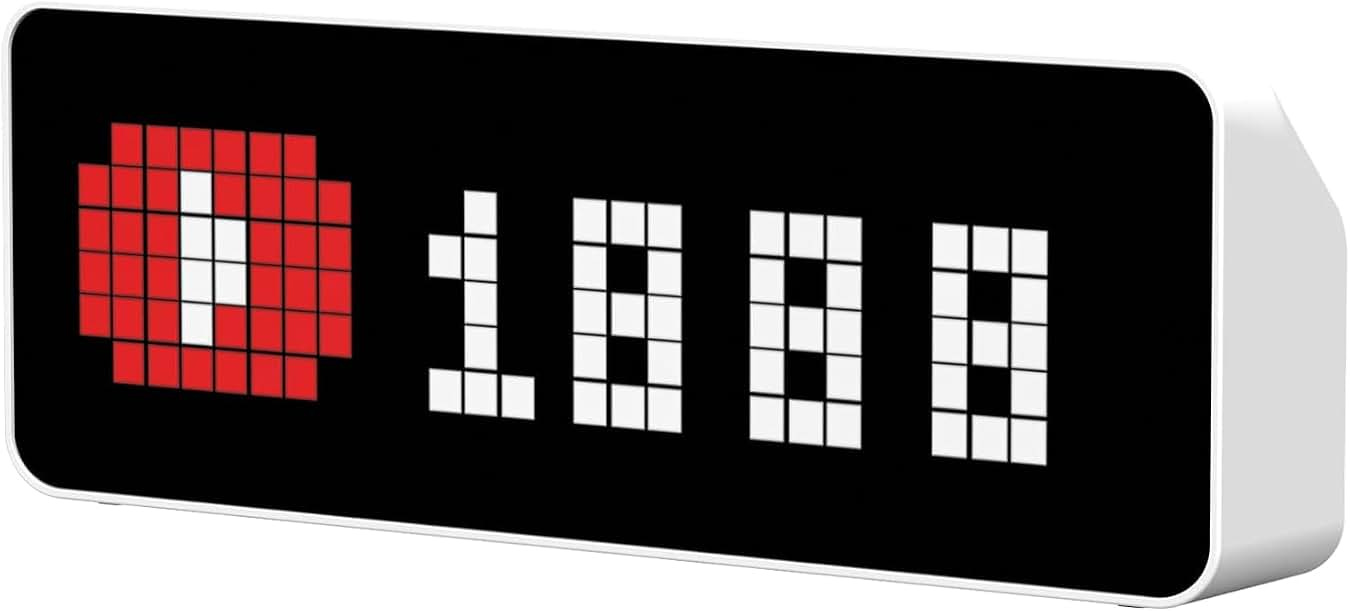
The nice thing about the Ulanzi is that you can flash the device…i.e. rewrite the firmware1…with a customizable version available on Github.
I ordered the device, and in the meantime had Claude Code help me start coding the notifier. Actually, backing up a bit…first I wanted to design the robot.
